
Grade, Identify, and Share your stamps with precision.
Stamp Grading Plan
Great value for stamp enthusiasts
- Fast Stamp Grading
- Single and block of four stamp identification
- Digital perforation gauge
- Downloadable sales trading cards
- 20000 stamp collection size
- 1000 stamps/month
Stamp Identification Plan
Great value for stamp enthusiasts
- Fast Stamp Grading
- Digital perforation gauge
- Single and block of four stamp identification
- Collection filtering and search
- 5000 stamp collection
- 250 stamps/month
Free Plan
Perfect for casual stamp collectors
- Fast Stamp Grading
- Digital perforation gauge
- Single and block of four stamp identification
- Collection filtering and search
- 5000 stamp collection
- 5 stamps/month
Designed for modern philately.
AI Stamp ID combines image recognition, technical grading, and a structured vault so you can move from raw scans to confident decisions in one place.
Use AI Stamp ID on any computing device from PC to phone to tablet.
Digital Grading
Visualize centering, margins, perforations, and rotation with consistent measurements.
One-tap identification
Upload a photo and see likely matches with country, year, and catalog-style details.
Collection workspace
Keep scans, valuations, and variants grouped in one digital vault.
Robust Collections
Works for single stamps, blocks, covers, and world-wide material from any era.
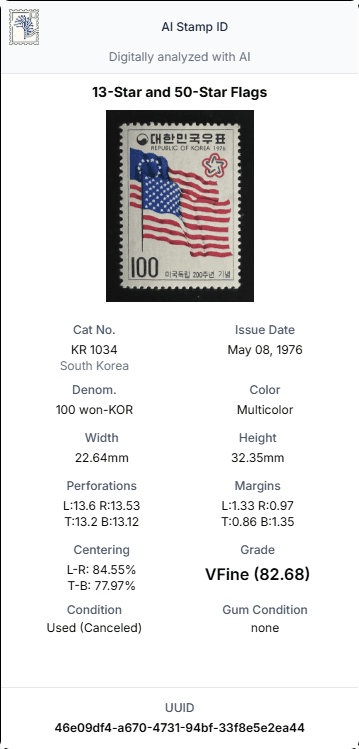
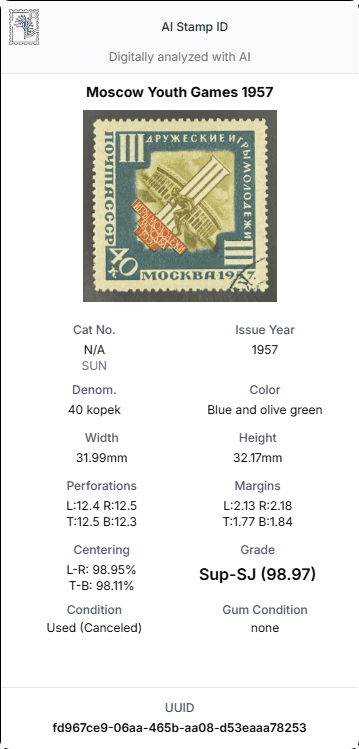
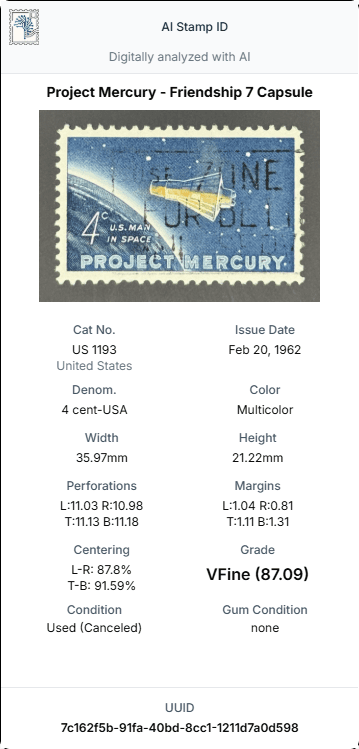
Short videos that show how to get great results.
Tutorial Overview
How identification, grading overlays, and shareable cards work.
Get the App Experience
How to add AI Stamp ID to your phone Home Screen for an app-like experience.
How to Take the Best Photos
Better photos = better identification and more accurate grading.
Click here for best photo tips
- Use bright, even lighting (daylight or a desk lamp).
- Place the stamp on a flat, non-glossy black background for the best results.
- Hold the phone directly above the stamp—avoid angles to reduce distortion.
- Tap to focus, then hold steady for 1 second before taking the photo.
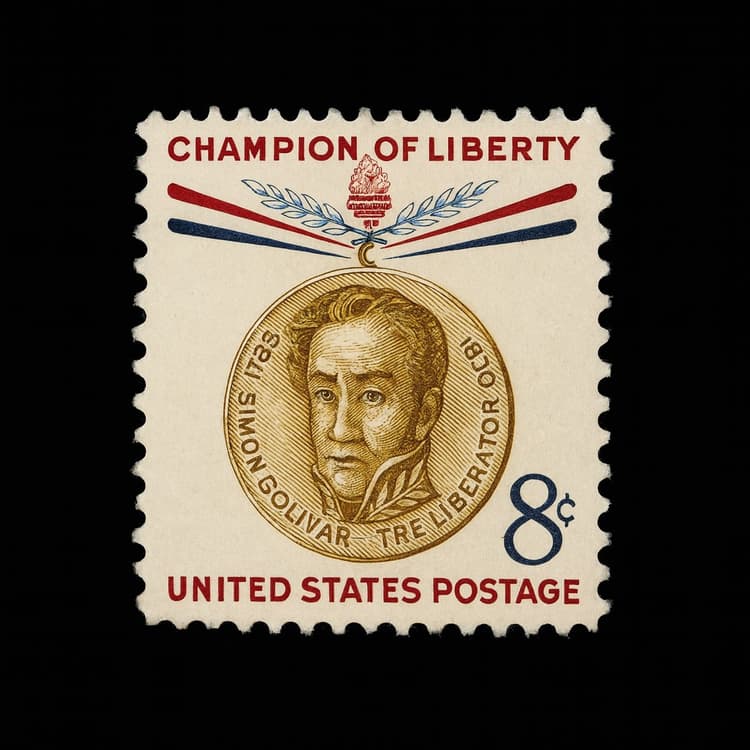
Stamp editor workspace
Fine-tune margins, rotation, and cropping in a dedicated editor view, then save polished report cards directly into your collection.
- Adjust crop boxes and guides to match the exact stamp outline.
- Inspect centering, margins, and perforation spacing with clear overlays.
- Save the final editor view into your report so you can revisit decisions later.
Ready to try AI Stamp ID?
Create an account, then upload a stamp photo to see results instantly.
By subscribing, you agree to receive emails from AI Stamp ID. Unsubscribe anytime.