Stamp Photography Guide
Learn how to take the best photos of your stamps for accurate AI identification.
Good Photo Examples
| Photo Type | Supported | Image | Explanation |
|---|---|---|---|
| Ideal Single Stamp Photo | ✓ Supported | 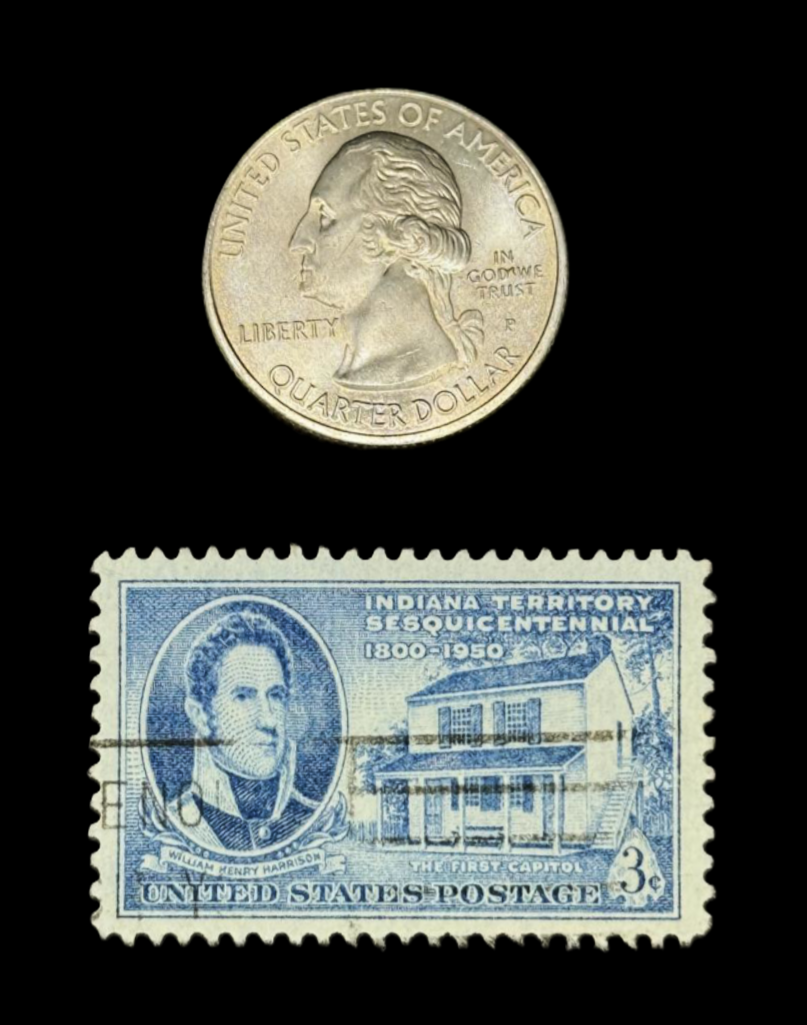 |
|
| Ideal Block of Four Stamp Photo | ✓ Supported | 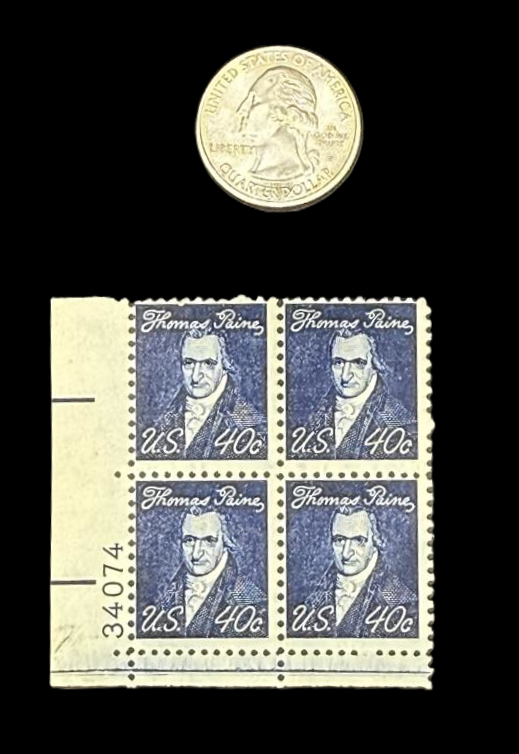 |
|
Poor Photo Examples
| Photo Type | Supported | Image | Explanation |
|---|---|---|---|
| Poor Photo | ✗ Not Supported | ✗ 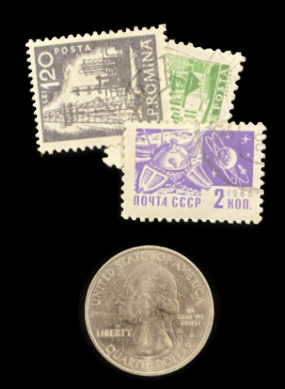 | Overlapping stamps not supported |
| Angled Photo | ✗ Not Supported | ✗ 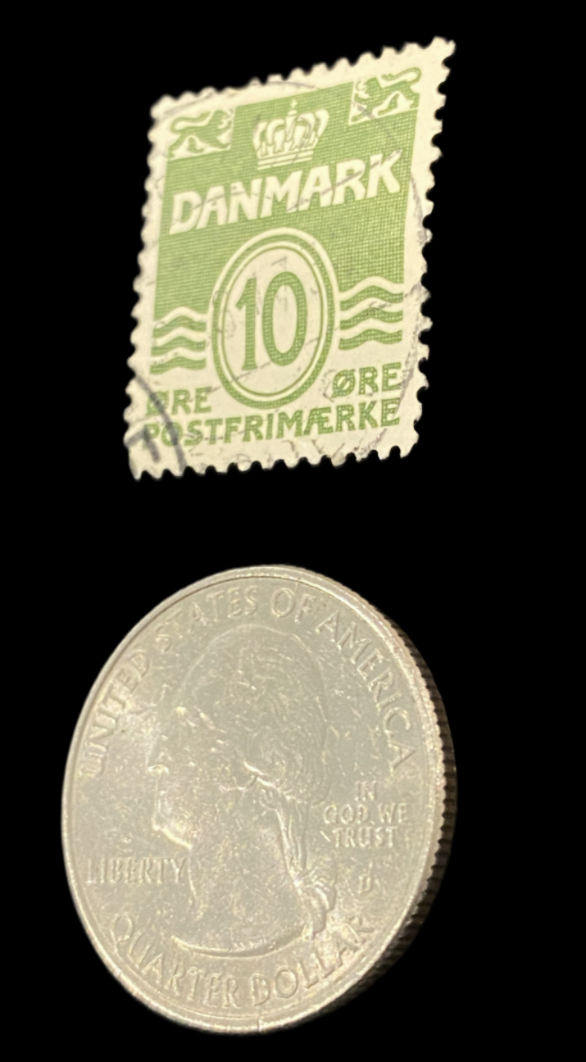 | Ensure photos are taken flat or straight on. |
| Poor Photo | ✗ Not Supported | ✗ 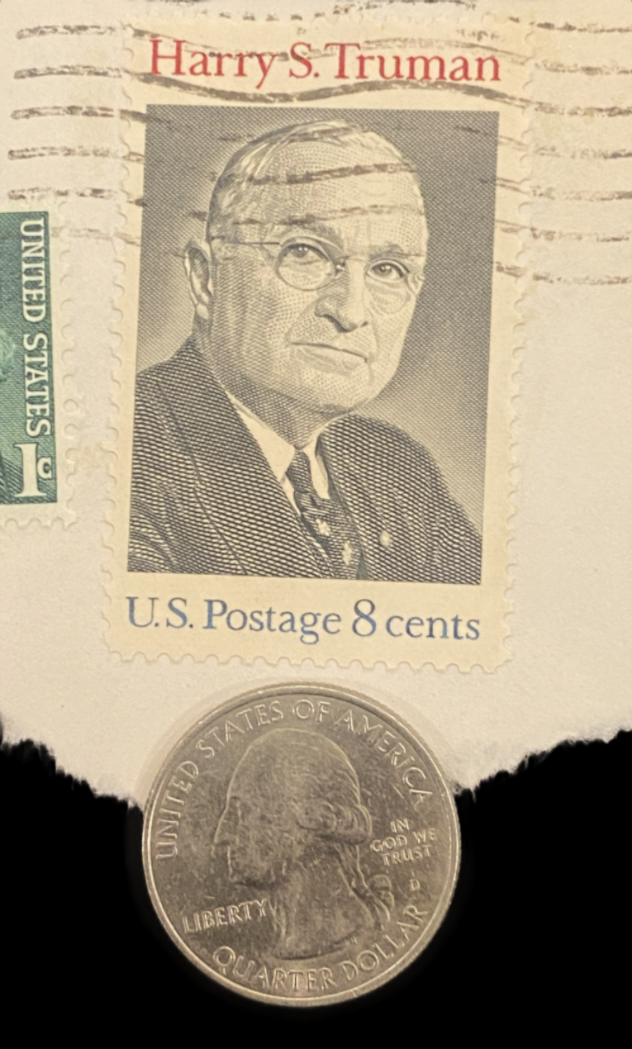 | Stamp on a white background not supported |
| Poor Photo | ✗ Not Supported | ✗ 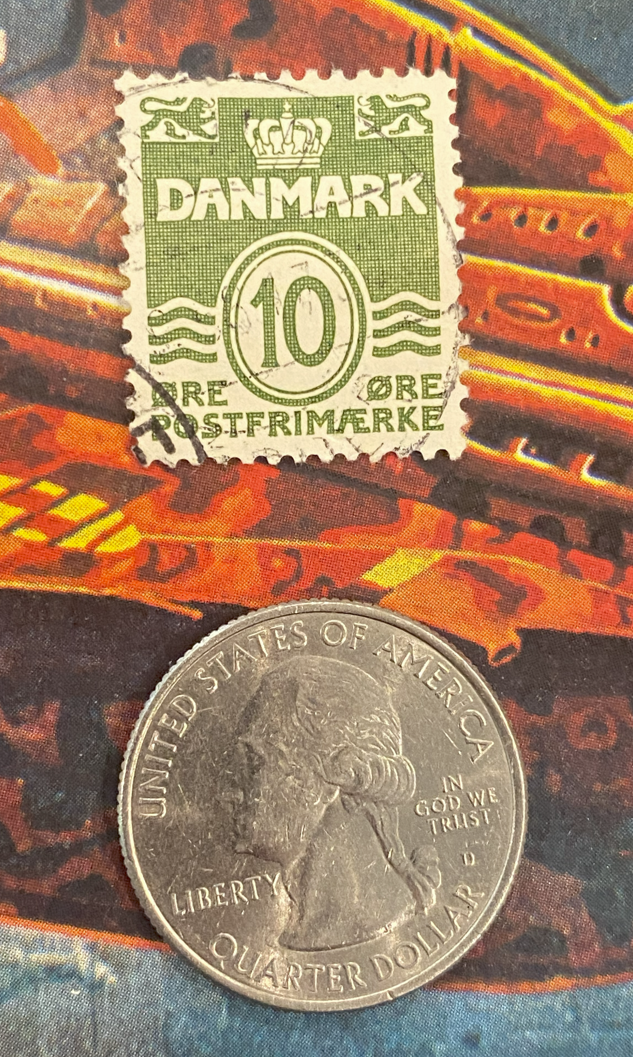 | Stamps must be on a solid black background. |
| Damaged Stamps | ✗ Not Supported | ✗ 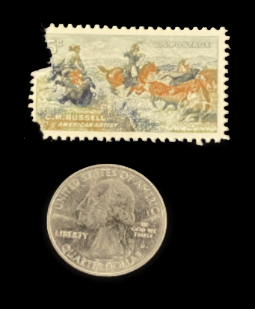 | Damaged stamps not supported. |
| Bent Stamps | ✗ Not Supported | ✗ 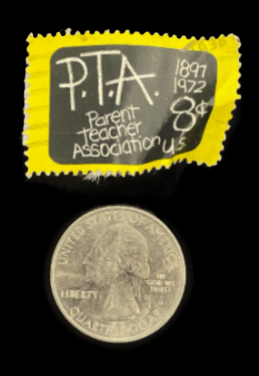 | Bent or poorly aligned stamps not supported. |
| No Foreign Objects | ✗ Not Supported | ✗ 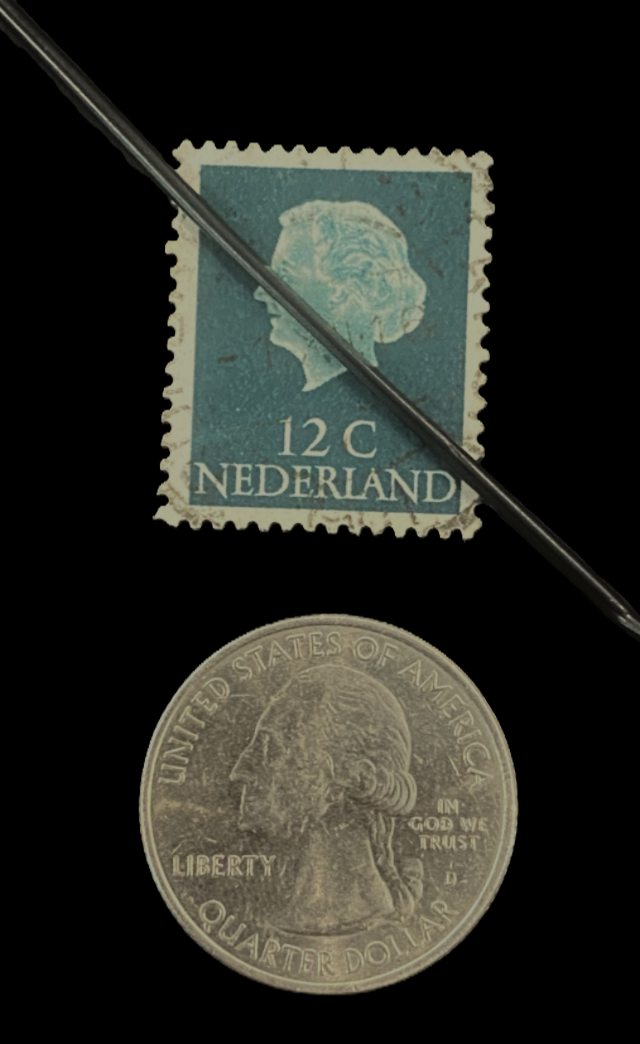 | Ensure only the stamp and coin are in the image. |
| Light Background | ✗ Not Supported | ✗ 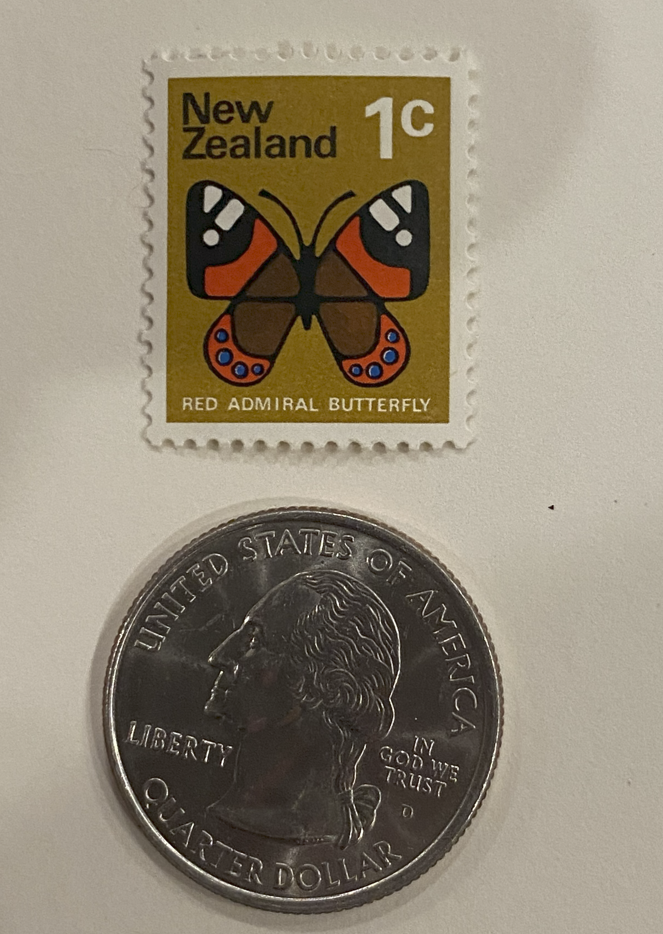 | Stamp must be on a black background. |
| Blurry Photos | ✗ Not Supported | ✗ 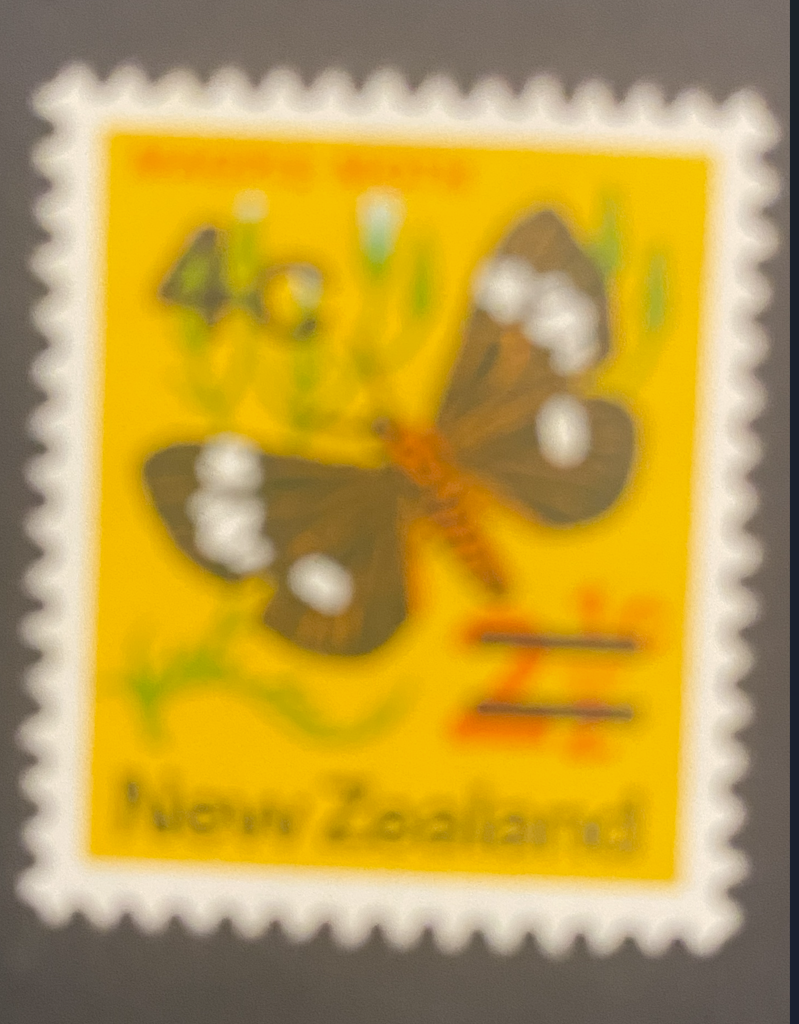 | Images must be in focus. |
| Small Images | ✗ Not Supported | ✗ 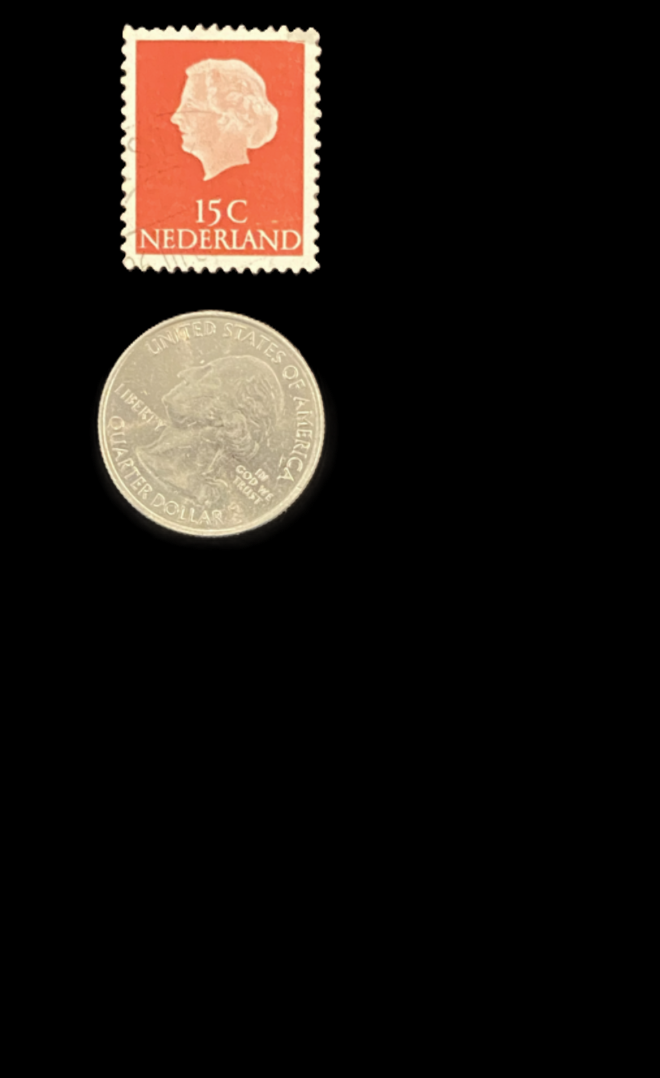 | Zoom in so the stamp and coin fill most of the image. |
| Fake Stamps | ✗ Not Supported | ✗ 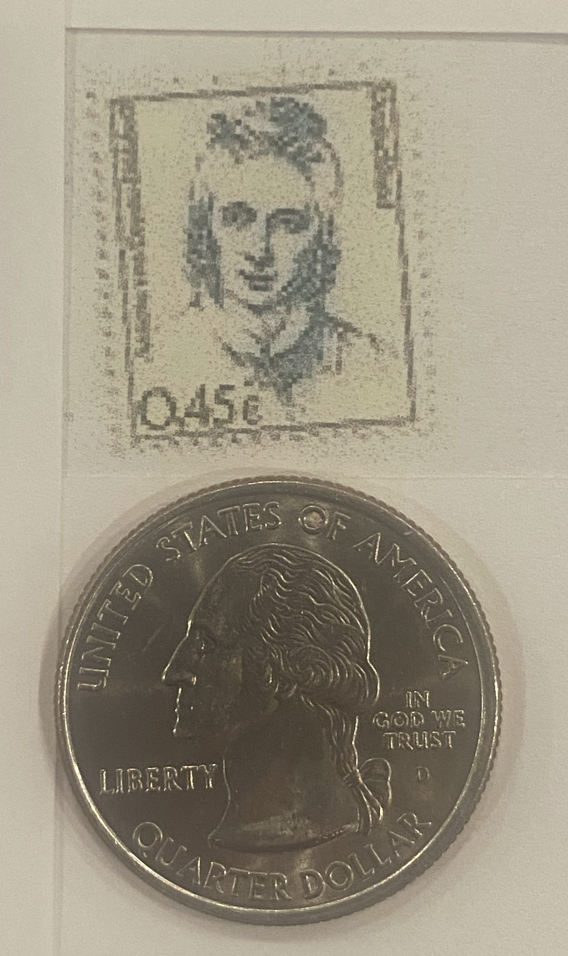 | Fake or images of stamps not supported. |